Canada Trades VideosClient Portal
Canada Trades Videos · Client Onboarding Packet

Welcome to Canada Trades Videos

Your Client Onboarding Packet

Everything you need to get your first videos live in 7 days.

Welcome Aboard

First off — thank you.

You just made one of the smartest marketing moves your business will make this year. This packet covers exactly what happens next, what we need from you, and how to make this the easiest, most profitable marketing investment you've ever made.

Within 90 days, your business will look completely different online:
More followers
More views
More inquiries
More booked jobs
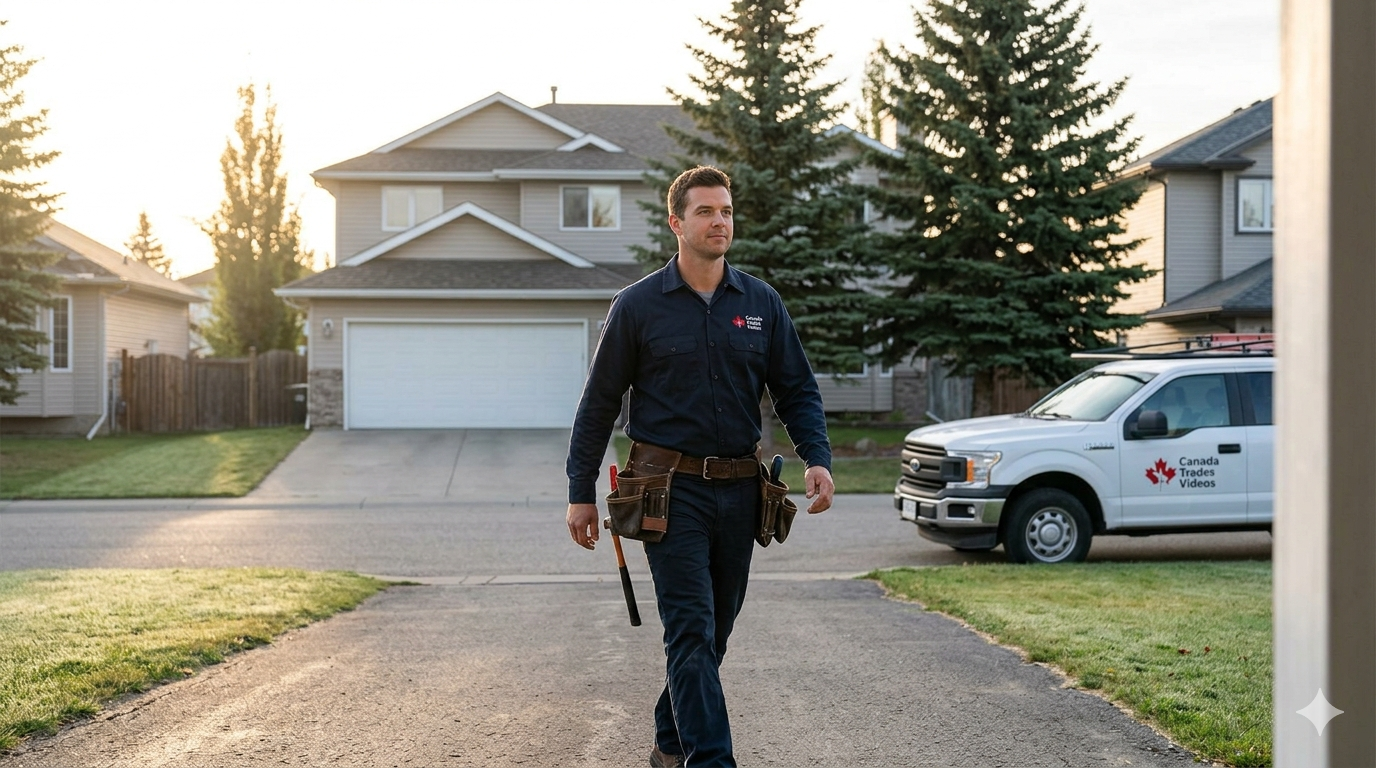
Tradesperson arriving at a job site
Your Retainer

What we do for you

Here's exactly what your monthly retainer covers:

Content strategy
We build a custom content calendar based on your business, your customers, and what works for your trade.
Platform setup
Before our first call, we build your digital foundation — leads page and optimized social profiles. If you already have a website you're happy with, let us know and we'll leave it as-is. If you don't, we'll scope a new site as an add-on rather than rushing it alongside content launch.
Filming guidance
We tell you exactly what to film, how to wear your chest cam, and when to grab extra clips. No guesswork.
Professional editing
Your raw footage becomes polished, scroll-stopping videos with captions, music, and effects.
Captions & hooks
Every video gets a hook, caption, hashtags, and posting time optimized for maximum reach.
Posting & scheduling
We post to your accounts on the right days at the right times. You don't lift a finger.
Performance tracking
Monthly reports showing views, followers, engagement, and inquiries generated.
Strategy adjustments
We constantly test and optimize based on what's working and what isn't.
Community & seasonal
We plan timely content around local events, seasonal challenges, and community moments.
Your Part

What we need from you

Your part is simple. Three things:

01

Daily footage

Strap on your chest-mounted camera each morning and let it roll while you work. Your footage uploads automatically to our shared Google Drive. Upload daily to keep your phone storage clear.

02

Onboarding questionnaire

Before our kickoff call, fill out the client intake form we'll send you (about 15 minutes). It covers your business history, goals, dream customers, competitors, and content comfort level.

03

Timely approvals

When we send drafts, give us a thumbs-up or quick feedback within 24–48 hours so we can keep your content calendar moving.

That's it. No writing captions, no learning editing software, no figuring out hashtags. We handle 100% of that.
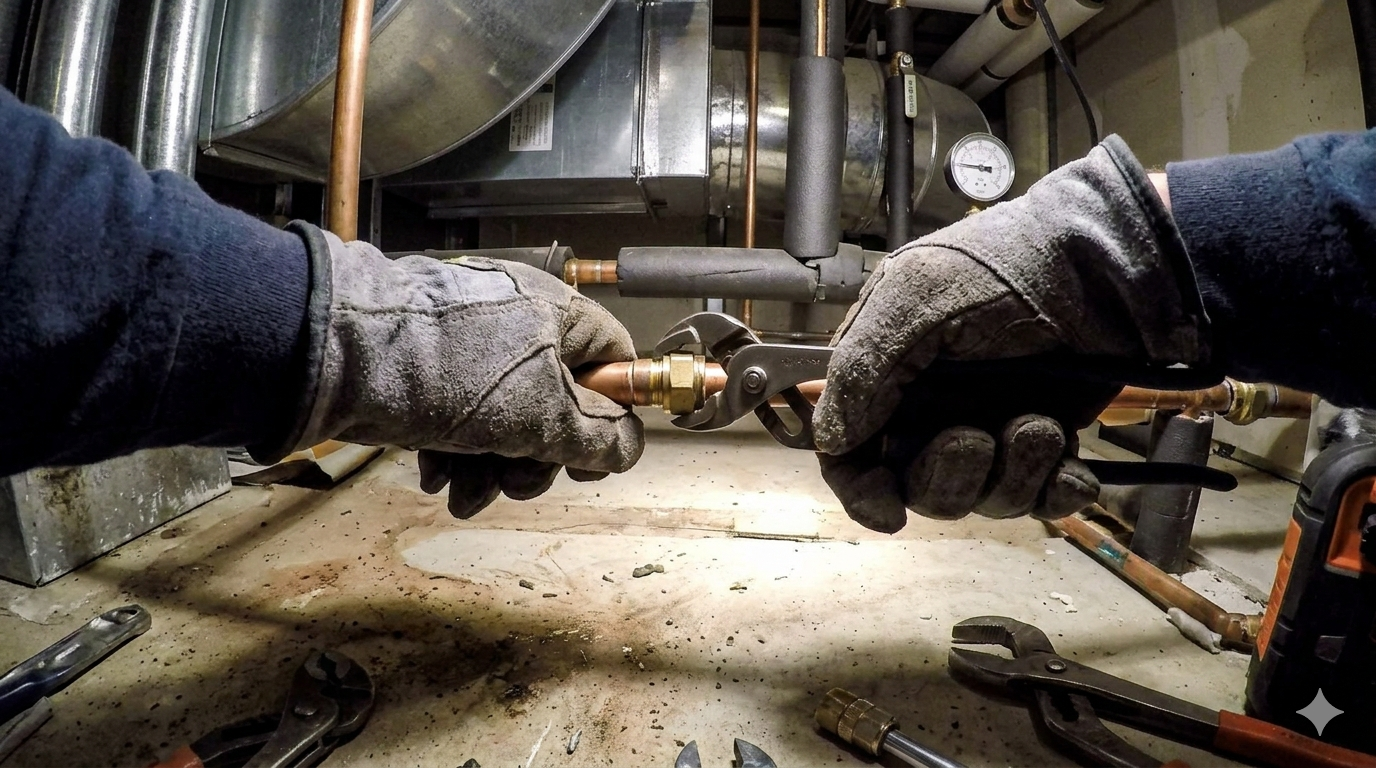
Chest cam POV of a tradesperson working
The Launch Plan

Your first 7 days with us

Here's exactly what happens from the moment you sign until your first video goes live.

Day 1
Welcome packet sent. Onboarding questionnaire delivered. Kickoff call scheduled.
Read this packet. Fill out questionnaire (15 min).
Day 2–3
We build your platforms: leads page and optimized social profiles.
Nothing — we've got this.
Day 3
Kickoff call (30–45 min): we align on content style, filming approach, and first content batch.
Show up. Bring questions.
Day 4
We send your filming guide and first shot list, plus help you set up auto-upload on your phone.
Read the filming guide. Strap on the camera tomorrow.
Day 4–6
You wear the chest cam on jobs and film any extra clips we've requested.
Film. Footage uploads automatically.
Day 6–7
We edit, caption, and prepare your first 3–4 videos for review.
Review drafts. Approve or request small changes.
Day 7
Your first videos go live on your social channels.
Celebrate. Watch the views roll in.

After Day 7, we move into a steady rhythm: you wear the chest cam daily and your footage syncs automatically, we publish 3–5 videos per week, and we check in together twice a month.

How We Work

How we'll work together

Communication

  • ✓ Most communication via email or text — quick, async, out of your way.
  • ✓ Two monthly check-in calls (~30 min each, no hard cap).
  • ✓ You have our direct contact. We get back to you as soon as we can.
  • ✓ In-person meetings only when truly necessary.

Approvals & Feedback

  • ✓ Every video is sent to you for approval before it goes live.
  • ✓ Aim to review within 24–48 hours to stay on schedule.
  • ✓ Be specific: “Cut the second clip” beats “I don't like it.”
  • ✓ After week 4, we'll likely move to bulk approvals (5–10 at a time).

What we ask of you

📷
Wear the chest cam daily. The best-performing content shows real people doing real work.
🔋
Charge between jobs. Keep your phone and chest cam topped up throughout the day.
☁️
Upload daily. Your footage auto-syncs over Wi-Fi. Delete from your phone once confirmed.
🎙️
Record voice memos between jobs. A quick description of what you just did becomes voiceover gold.
🎬
Be open to filming trending formats. Optional, but they can really pop when done right.
Be patient in the first 30–60 days. Algorithms reward consistency.
🤝
Trust the process. Some content you doubt will perform best.
📣
Tell us what's happening. New service launches, big jobs, milestones — they all become content.
Realistic Expectations

What to expect & when

Realistic expectations are the foundation of a great working relationship. Here's the honest timeline:

Week 1–2
First videos live. Small bumps in engagement. Mostly your existing audience reacting.
Week 3–4
Algorithms start picking up your content. Reach begins to expand beyond your followers.
Month 2
Content cadence is steady. You're getting comfortable on camera and with the daily filming habit. Early signs of growth, nothing dramatic yet.
Month 3
Noticeable follower growth. First videos reaching well beyond your follower count. Occasional “I saw your video” inquiries start coming in.
Month 4–6
Content is hitting its stride. Social starts to become a real source of customer inquiries — not just views.
Month 6+
You're the known trades business in your local market. Referrals and inbound leads compound.
A word of honesty: Anyone who promises viral results in 30 days is lying. Real growth comes from consistency. The goal isn't follower counts — it's booked jobs. Views are nice; customers are the point.
FAQ

Frequently asked questions

How much time does filming take me each day?+
Almost zero active effort. You strap the chest cam on in the morning and let it record while you work. Between jobs, you record a quick voice memo. If we send you a trending format, that's an extra 5 minutes. Your footage auto-uploads, so there's nothing to do at the end of the day.
What if I'm uncomfortable on camera?+
Totally normal. The chest cam captures your work, not your face — so you're already producing great content without being 'on camera.' We'll ease you into anything else over time. No pressure.
How do I keep my phone from running out of space?+
Upload daily. We'll set your phone to auto-sync videos to Google Drive whenever you're on Wi-Fi. Once the upload is confirmed, delete the footage from your phone. Make this a daily habit and you'll never run into storage issues.
What about battery life?+
Charge between jobs. Keep a car charger or a portable battery pack handy. Plug in your phone and chest cam while driving between calls.
Won't my competitors see my videos?+
Your competitors aren't your customers. Showing your work publicly builds trust with the people who actually pay you. And they can't copy your personality, team, or relationships.
What if a video flops?+
That's just part of social media. The goal is consistency, not virality. Some videos get 200 views, some get 20,000. The ones that 'flop' still build your presence and train the algorithm. The businesses that win show up every single week.
Can I post my own content too?+
Absolutely. We encourage it. Our content is the foundation; anything you add is a bonus.
What if I want to change something in a video?+
Tell us. Most edits take 1–2 hours. Major rewrites might take a day. We want you to love every video.
What happens if I cancel?+
All content created during our engagement is yours to keep. Cancel with 30 days' notice. No drama.
Who owns the videos and accounts?+
You do. Always. We post to your accounts using your credentials. Everything we create belongs to your business.
Part 2
Filming Guide

The Smartphone Filming Guide

How to shoot pro-quality video with the phone in your pocket (and the camera on your chest). No gear list. No experience required. No excuses.

Watch first — How to get set up

Your chest cam: the easiest content you'll ever create
1.Strap it on each morning before you head out. Center it on your chest so it captures your hands and work area.
2.Hit record. Let it run while you work.
3.Keep it running while you drive between jobs if you can. Driving footage, pulling up to a house, unloading the truck — it's all usable B-roll.
4.Charge between jobs. Plug in your camera (and your phone) while you drive.
5.Your footage auto-uploads to our shared Google Drive when you're on Wi-Fi. We do the rest.
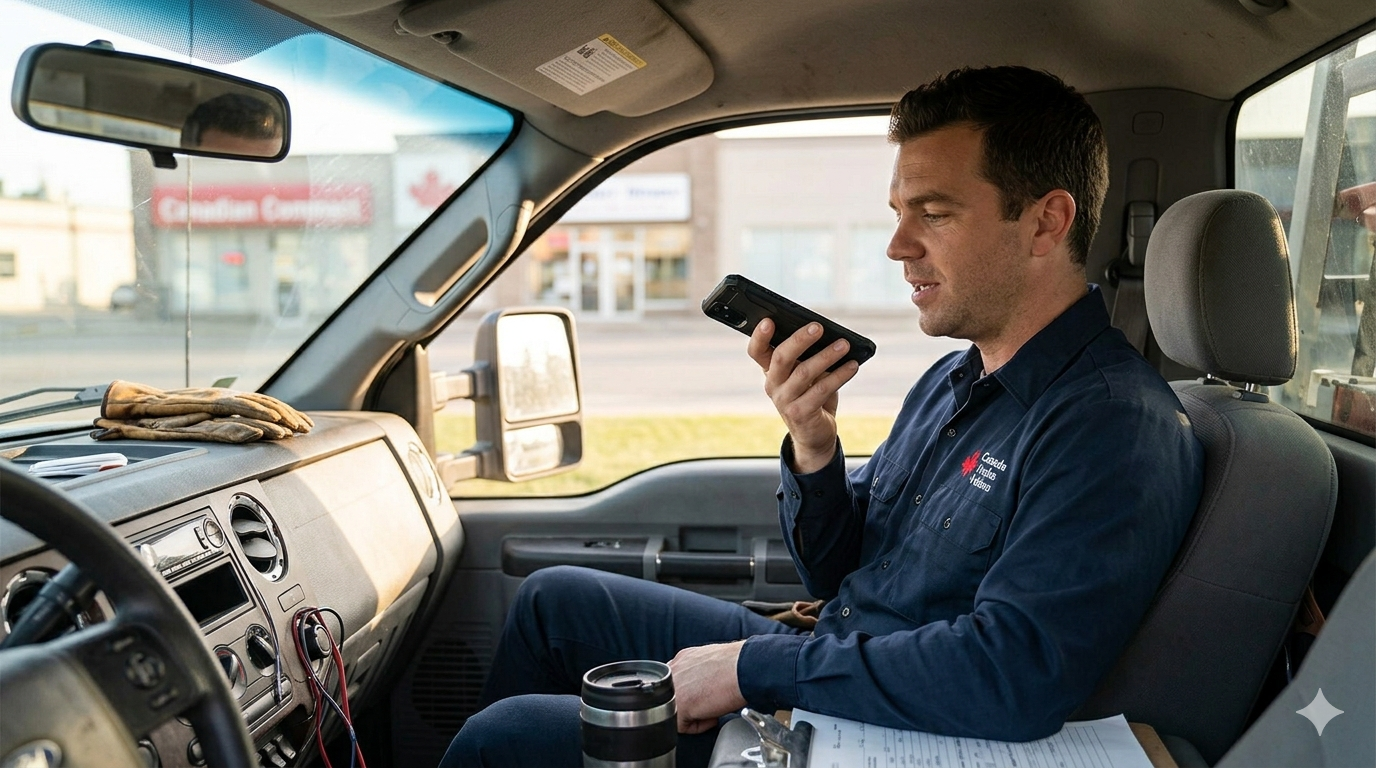
Tradesperson recording a voice memo in their truck

Chest cam tips

Keep it centered and snug. If it's flopping around, the footage will be shaky and unusable.
Check battery and storage before heading out. Nothing worse than realizing it died two hours in.
Talk while you work. Narrate what you're doing as you do it — it doesn't need to be polished. Explaining a job out loud while your hands are in it gives us real-time voiceover that's almost impossible to fake later.
Clean the lens with your shirt before you start. Same rule as your phone.

Protect your gear

Before you start wearing the chest cam daily, pick up two things:

A rugged phone case with a raised lip around the camera and screen: Trades sites are hard on phones — drops, dust, ladders, truck beds. OtterBox Defender or equivalent.
A waterproof (or at minimum water-resistant) phone case or pouch: Rain, sweat, humid crawlspaces, jobs near water — any of these will kill an unprotected phone. If you're frequently in wet environments, go fully waterproof (IP68-rated).

A $40 case saves a $1,200 phone and a day of lost footage. Cheapest insurance you'll buy all year.
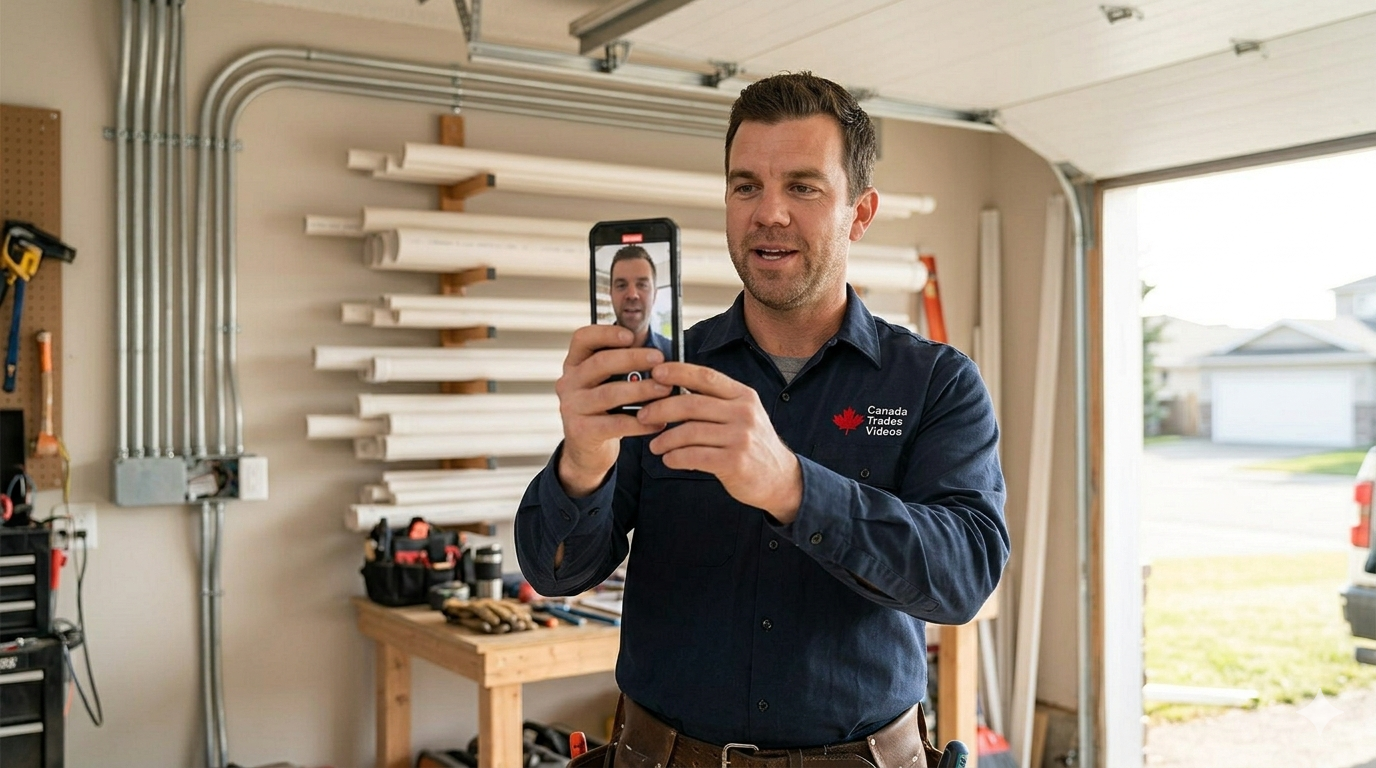
Tradesperson filming vertically on a job site

Voice memos between jobs

Between jobs — sitting in the truck, grabbing lunch, driving to the next call — pull out your phone and record a voice memo describing the job you just finished. It can be 30 seconds or 5 minutes. The more detail, the better.

What to talk about:

What was the job?
"Just finished a full panel upgrade on a 1960s house."
What was the problem?
"The homeowner's breaker kept tripping every time they ran the microwave and AC at the same time."
How did you fix it?
"We replaced the 100-amp panel with a 200-amp and added dedicated circuits for the kitchen."
Anything interesting?
"The original wiring was cloth-wrapped — hadn't been touched since the house was built."
Any drama?
Competitors underbid you? Wild homeowner story? Previous contractor left a mess? Tell us everything.
A tip for the homeowner?
"If your lights flicker when the AC kicks on, that's a sign your panel might be undersized."
The chest cam gives us the visuals; your voice memo gives us the story. Together, they create content that educates, entertains, and builds trust — without you ever having to stand in front of a camera and “perform.”

Filming rules for phone clips

Rule 1: Film Vertically (9:16)

Always hold your phone upright like you're texting. Never sideways. TikTok, Reels, and YouTube Shorts are all vertical formats. Horizontal video gets cropped and looks amateur.

Rule 2: Light Comes From the Front

The single biggest mistake in trades video: filming with a window or sun behind the subject. Outside? Sun hits the front of the person. Inside? Face toward a window. Cloudy days are great — the clouds act as a giant softbox.

Rule 3: Hold the Phone at Eye Level

When filming yourself talking to camera, hold the phone at eye level. Filming from below makes everyone look like a giant nostril. Prop it against a toolbox or dashboard if you need hands-free.

Rule 4: Clean the Lens

Your phone has been in your pocket. Wipe the lens with your shirt before every clip. Two seconds. Dramatically better footage.

Set up your phone (one time, 5 minutes)

iPhone
  1. Settings → Camera → Record Video → set to 1080p HD at 30 fps.
  2. Settings → Camera → Formats → “Most Compatible.”
  3. Settings → Camera → Preserve Settings → turn ON “Camera Mode.”
  4. In Camera app, swipe to Video. Tap the subject's face to lock focus and exposure.
Android
  1. Camera app → swipe to Video → tap gear/settings icon.
  2. Set resolution to 1080p (FHD) at 30 fps.
  3. Turn ON video stabilization if available.
  4. Tap the subject's face to lock focus and exposure.
Do not use these features
Filters or beauty modes
Slow motion (unless requested)
Live Photos
Zoom (walk closer instead)
Portrait mode for video

How your footage gets to us

We'll set up a shared Google Drive folder just for your work footage. At the end of each day, upload only your work clips to that folder — nothing else syncs, so your personal photos and videos stay completely private.

iPhone
  1. Download the Google Drive app from the App Store.
  2. Sign in with the Google account we set up for you.
  3. Open Google Drive → navigate to your shared footage folder.
  4. Tap +Upload → select today's work videos.
Android
  1. Open the Google Drive app (likely already installed).
  2. Sign in with the Google account we set up for you.
  3. Navigate to your shared footage folder.
  4. Tap +Upload → select today's work videos.
Daily upload habit
  1. Connect to Wi-Fi at home or the office.
  2. Open Google Drive → go to your shared footage folder → upload today's work clips.
  3. Once uploads are confirmed, delete the footage from your phone.
  4. Send us a quick text if you captured anything especially good.

The top 10 mistakes to avoid

#1Filming phone clips horizontally instead of vertically.
#2Standing with your back to a window or the sun when filming phone clips.
#3Forgetting to charge your phone or chest cam between jobs.
#4Letting footage pile up for a week instead of uploading daily.
#5Wearing the chest cam loose or off-center — shaky, crooked footage is hard to use.
#6Holding the phone below your face when self-filming.
#7Forgetting to check chest cam storage before heading out — and it fills up mid-job.
#8Forgetting to wipe the lens (phone AND chest cam).
#9Skipping voice memos between jobs — these are gold for us.
#10Overthinking it. Just strap on the cam, hit record, and go to work.

Your daily checklist

☀️
Morning
  • Chest cam charged and storage cleared.
  • Phone charged.
  • Both lenses wiped clean.
  • Phone in its protective/waterproof case.
  • Chest cam strapped on and centered.
  • Hit record.
🚗
Between Jobs
  • Plug in phone and chest cam to charge while driving.
  • Record a voice memo about the job you just finished.
🌙
End of Day
  • Connect to Wi-Fi.
  • Open Google Drive → shared folder → upload today's work clips.
  • Delete uploaded footage from your phone.
  • Text us if you got anything especially good.
Action Items

Your next steps

Here's exactly what to do today to get rolling:

Read this packet
You're already doing it — nice.
Fill out the onboarding questionnaire we sent you
~15 minutes. Do this before your kickoff call.
Confirm your kickoff call time
Send us login access for your social accounts
We'll send a secure form.
Set up your phone using the camera settings in this guide
Download Google Drive on your phone and sign in
Get excited
Your first video goes live in 7 days.
🎬

Welcome to Canada Trades Videos.

Let's build something great.

— The Canada Trades Videos Team